VidToon 2.1 review
Making simple 2D cartoon explainer videos without drawing or hiring an animator
Reviewed 2026-09-23
Pros
- Ready made characters and backgrounds, no drawing needed
- Drag and drop timeline is quick to learn
- Built in text to speech saves recording narration
- Royalty free music and image library included
Cons
- Videos look like the stock character style, which is recognisable
- Billing is unclear: one time price advertised, recurring billing on the listing
- Page does not state system requirements, download size or refund terms
What you get
Access to the VidToon 2.1 editor plus its built in library: ready made 2D characters, royalty free background images and music, and icons and GIFs sourced through Pixabay and Giphy. You drag characters and props onto a scene, arrange them on a timeline, add narration using Microsoft or Google text to speech voices, then export in full HD at the resolution your platform needs.
Is it worth it?
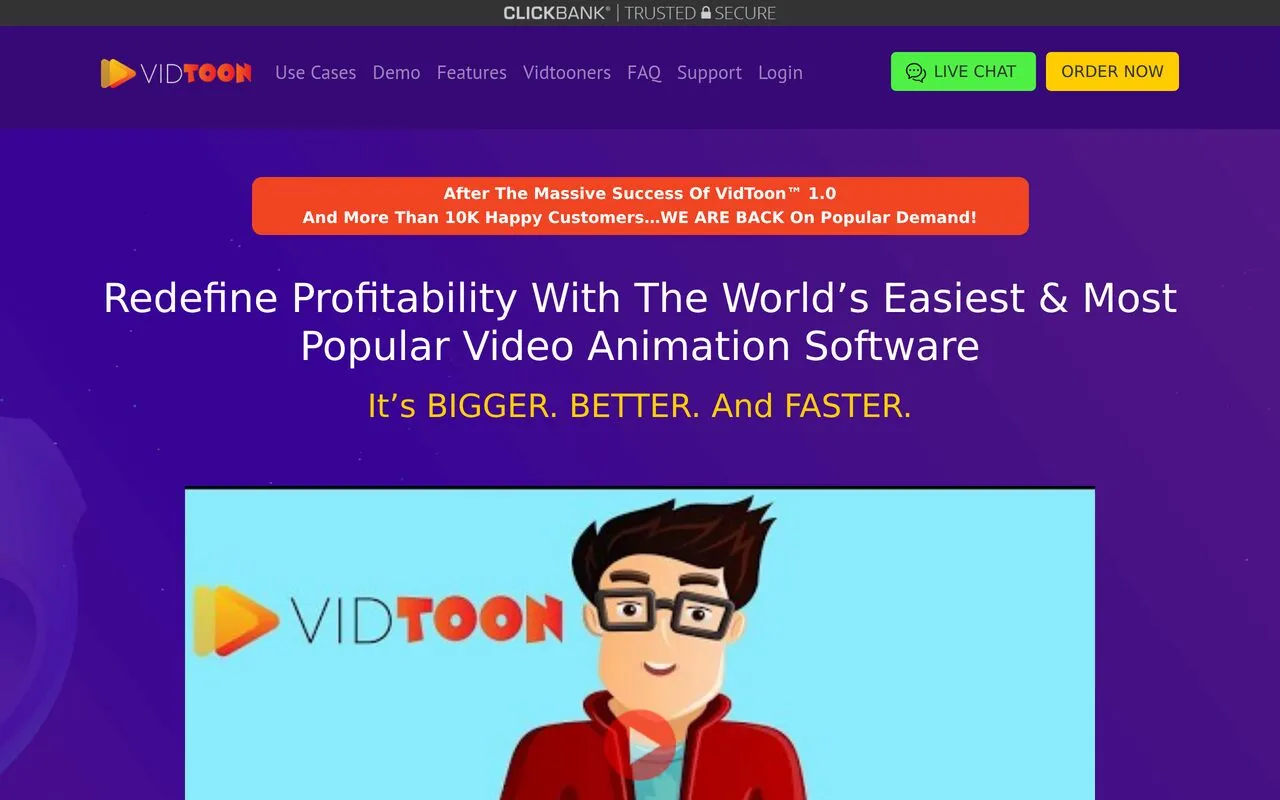
If you have ever tried to make an explainer video and stalled, VidToon aims at exactly that gap. It gives you a cast of pre drawn cartoon characters with their own walk, talk and gesture animations, so you are arranging a scene rather than drawing one. Day to day it feels like a simple slide editor that happens to have a timeline: drop a character in, pick an action, type your script into the text to speech box, choose a background, move to the next scene. A two minute video is a realistic evening's work the first time, and quicker after that. Expect a particular look. The character art is one specific cartoon style, and people who watch a lot of these videos will recognise it. You cannot draw your own characters, and the automated voices, while clear, still sound automated. Recording your own narration usually lifts the result. The page makes large promises about attention and profits, including a figure about how much of what stimulates us arrives through video. That is the seller's claim and no source is given for it. On price, the page shows $67 a month struck through against $49 as a one time payment, while the product is set up with recurring billing. Get in writing which one applies before you pay.
Before you buy
- Confirm in writing whether the $49 is genuinely one time or renews
- Check which operating systems it runs on and whether it is a download or browser based
- Ask about the refund window and how to cancel before paying
Who it suits
Small business owners, teachers and marketers who need simple animated videos regularly and are happy with a stock cartoon look