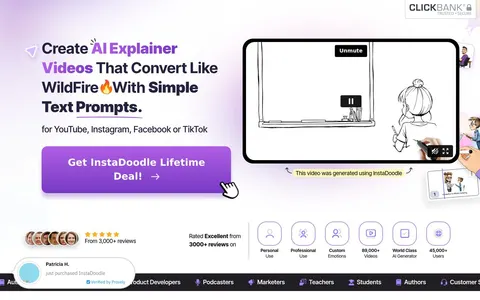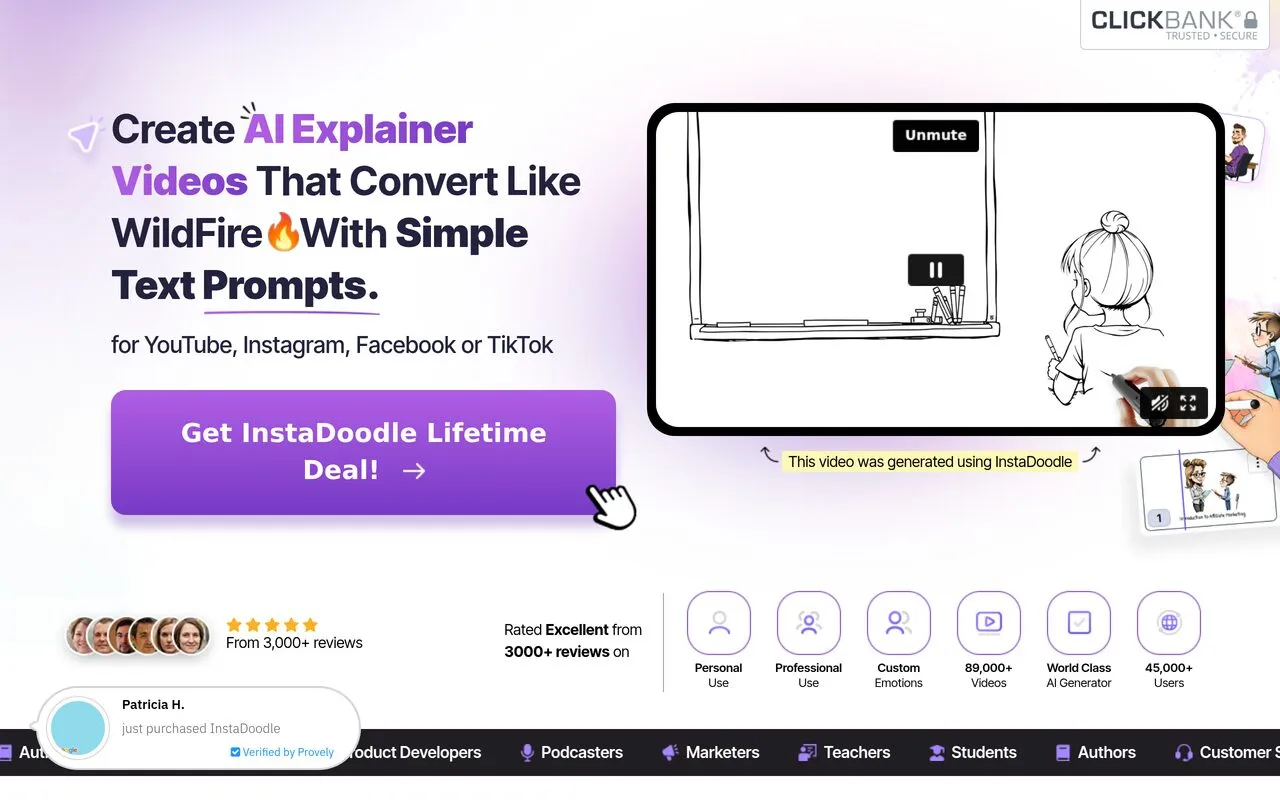
The InstaDoodle sales page, captured 2026-09-23
InstaDoodle review
Makes whiteboard-style animated explainer videos from text prompts, no editing skills needed
By the RJ Editorial Team. Sales page checked 2026-09-23. Last updated 2026-09-23.
Is it worth it?
You've got something to explain. A product, a service, a lesson, a process, and every time you try to say it in a video you end up with a talking head that nobody watches to the end. Quotes from animators came back at hundreds of pounds. Fiverr gigs looked cheap until you saw the revisions. So you're looking at this because you want the hand-drawing-on-a-whiteboard thing without learning After Effects. That's genuinely what this does. You pick elements from the library or type a prompt, drop them on a board, add your voiceover or text, and it animates the drawing-in effect for you. The doodle style is instantly readable and it works in any language because the visuals carry the meaning. Where the page oversells: "3 clicks" is not how it goes. Your first decent video will take an afternoon of fiddling, and the AI-generated elements vary a lot in quality. The claim that explainer videos lift conversions by up to 80 percent is offered with no source, so treat it as a sales line rather than a fact. The doodle look is also a specific aesthetic. It reads friendly and slightly retro-marketing. If your brand is sleek and modern, this will fight you.
Pros
- One-off payment rather than a monthly video tool subscription
- Big element library means you rarely start from a blank board
- Background removal lets you use your own product photos
- Doodle style works across languages without re-editing
Cons
- "3 clicks" undersells the real learning curve and time per video
- Doodle aesthetic suits some brands and actively clashes with others
- Page never states the price, what the upsells cost, or the refund terms
- AI-generated elements are inconsistent and often need manual replacement
What you get
Web-based doodle video maker: a library of 1,000+ hand-drawn characters and objects, 14+ project templates, board backgrounds (blackboard, greenboard, math paper), and a built-in image editor with background removal so you can turn your own photos into doodles. The DoodleAI text-to-video feature generates doodle elements from a written prompt. Colour output is a newer addition. Unlimited projects, sold as a one-off lifetime deal.
Before you buy
- Check the actual price and whether "lifetime" means one payment or a renewing plan, the page is vague
- Find the refund window before paying, it isn't on the page
- Watch the demo videos and ask honestly whether that drawn style fits how you want to look
- Confirm whether the unlimited claim has any render or export caps
Who it suits
Educators, coaches and small business owners who need to explain things visually, often, and can't justify paying an animator each time. Skip it if you need polished, modern-looking brand video or only need one or two videos ever.
Related products

The ClickBank Profit Club
A paid monthly group for people trying to build an income online from scratch.
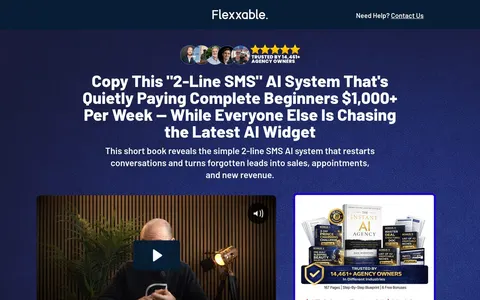
The 2-Line SMS AI System
Turning a business's old, cold enquiry lists into bookings using automated text messages
7 Minutes Daily
For people wanting a beginner friendly way to earn extra money online in spare minutes.
Secrets of the Big Dogs
A long-running ebook on building online income without chasing the next new thing
Massive Passive Profits
A $37 guide aimed at people trying to set up income that doesn't depend on their hours.
Paid Online Writing Jobs
A membership that points you toward online writing gigs you can apply for from home